There are many varieties of applications.
We will consider two main types:
Web app (webview) (left block) - the app completely replicates the mobile version of the website.
Native applications (right block) - the application works with the project on the principle of “API”, which allows you to customize the application.
We've created two applications, and we'll look at them by comparing them.
Home Page
We've completely changed the logic of the homepage.
Now the main page performs navigation.
It is important to understand that when launching the application, the user always sees the main page, the user cannot see the page of a category or a specific product when opening it.
Exception: push notifications, or facebook deeplinks.
Web - Home Page
Press the "Play" button
Native - Home Page
Press the "Play" button
Category Page
Category page (aka product list) - we removed unnecessary elements such as “bubbles”, “top products” and others.
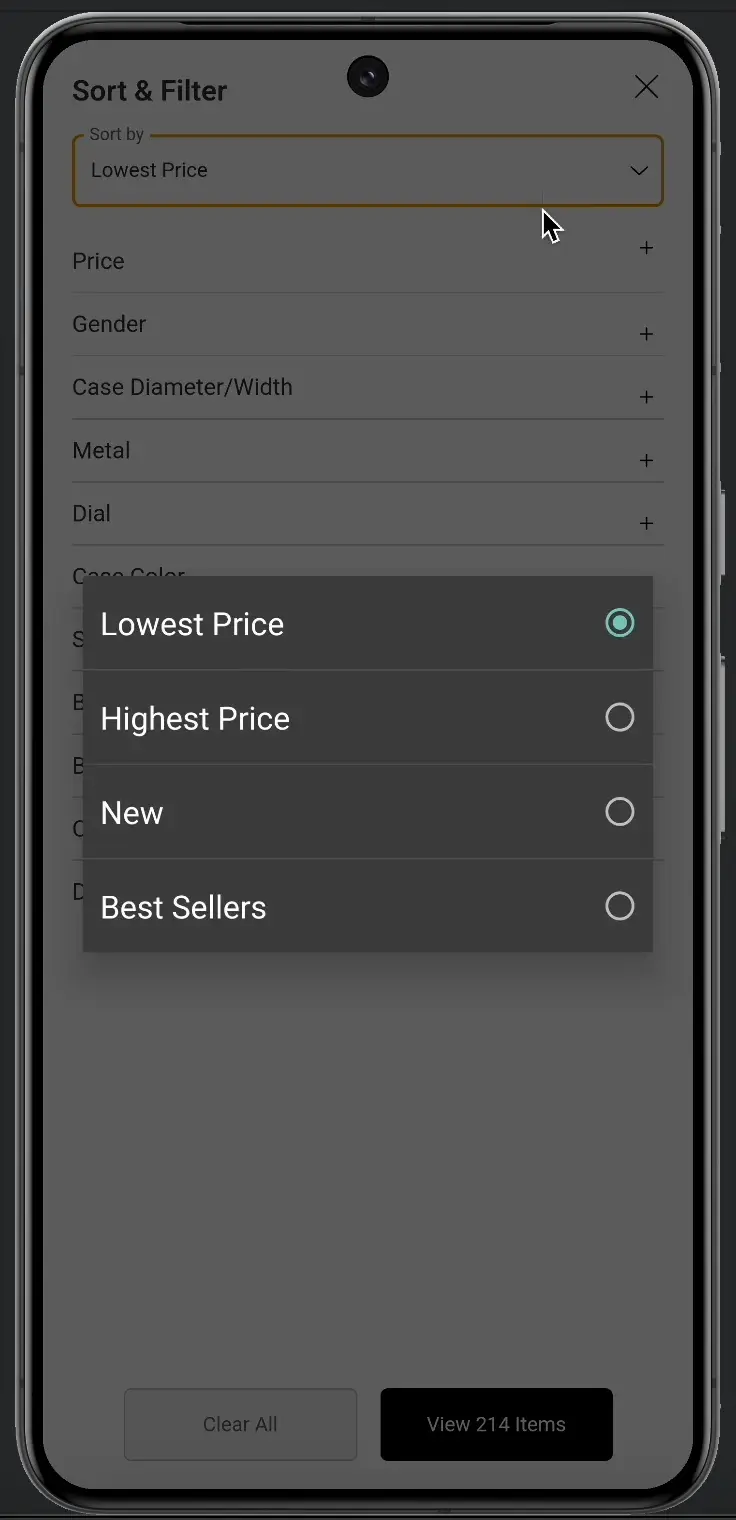
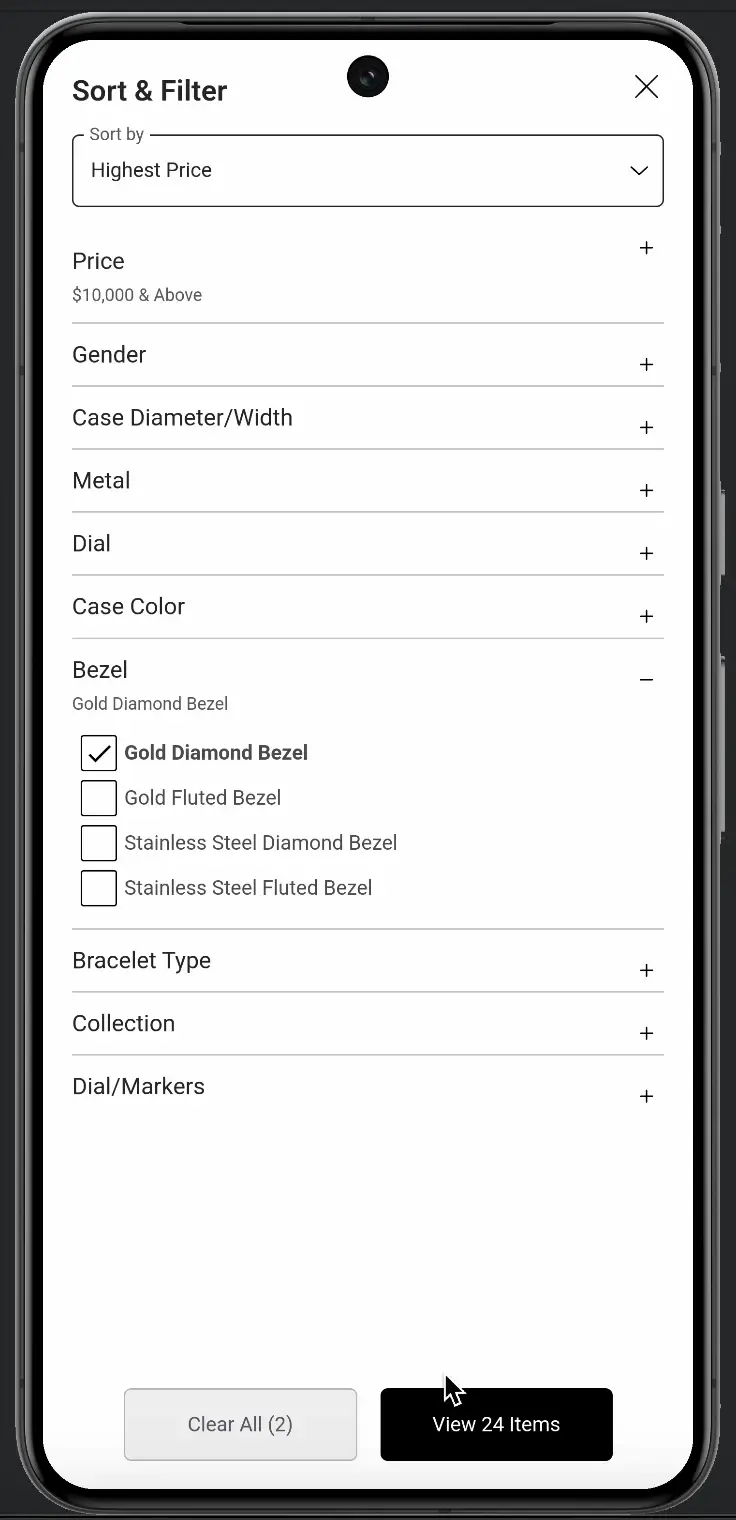
We changed the output of usability elements, such as “sorting”, “filters”.
We made minor changes to the product information.
Web - Category Page
Press the "Play" button
Native - Category Page
Press the "Play" button
Sorting button
We changed the position and interaction with the button.
Web - Sorting button
Press the "Play" button
Native - Sorting button
Press the "Play" button
Filters button
We changed the position and interaction with the button.
Web - Filters button
Press the "Play" button
Native - Filters button
Press the "Play" button
Discounts page
Unfortunately I don't have an android phone on which I can show the full interaction path.
However, I will try to describe it:
The user receives a notification on the main screen of the phone, contains information: icon of our application and a short text.
User opens the notification and sees: text, image, button.
When clicking on the button, the user will open the page we need, for example: discounts.
Web - Promo
No page
Native - Discounts page
Press the "Play" button
Authors
Technology: php, js, html, css, api (2x), android studio, other.